How to Customize Your TOFU65 3.0
Step 1: Launch the Configurator
Go to our live configurator at https://kbd.tools/. Once there, select "TOFU65 " from the "Select Keyboard Model" dropdown menu.
Some items are no longer available. Your cart has been updated.
This discount code cannot be used in conjunction with other promotional or discounted offer.
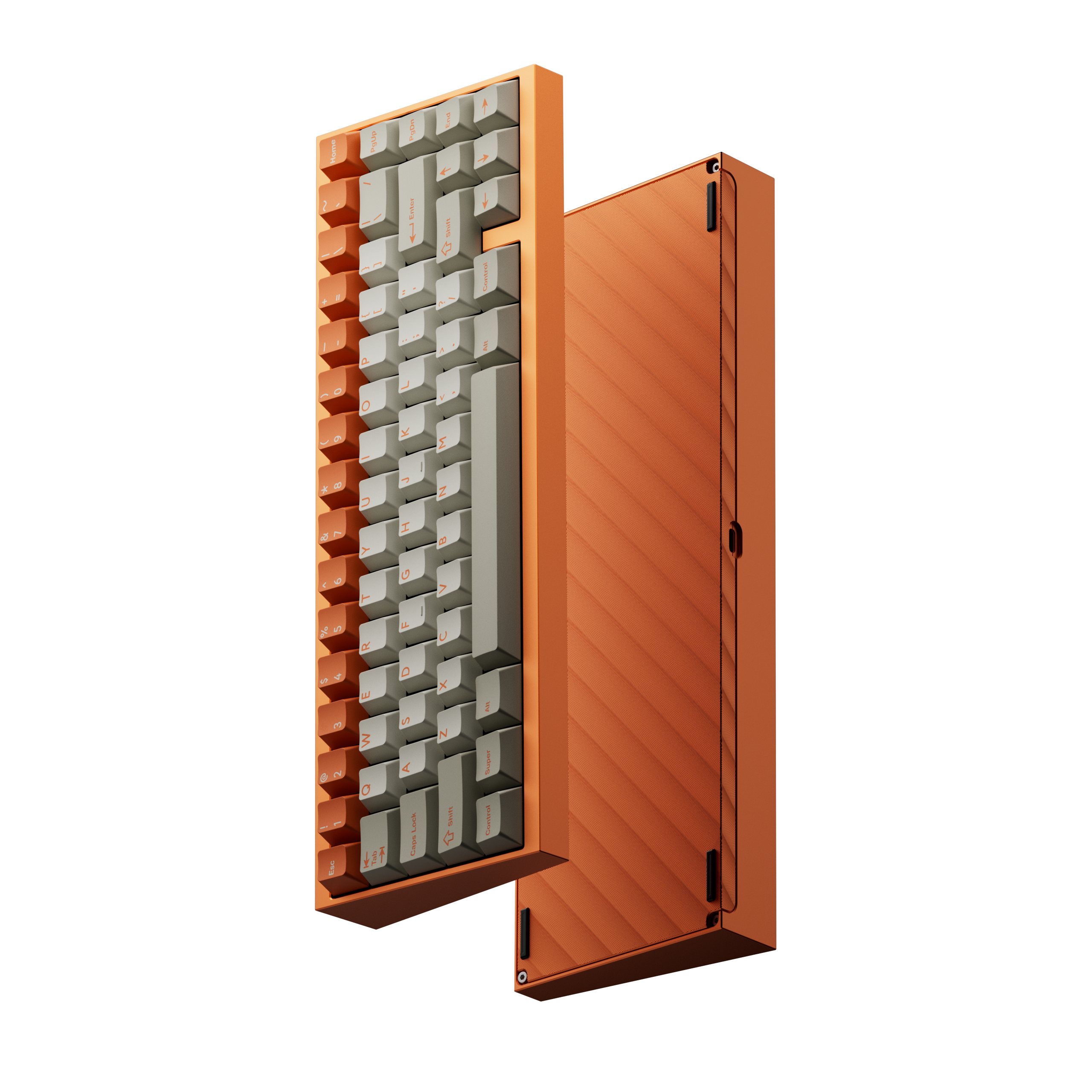
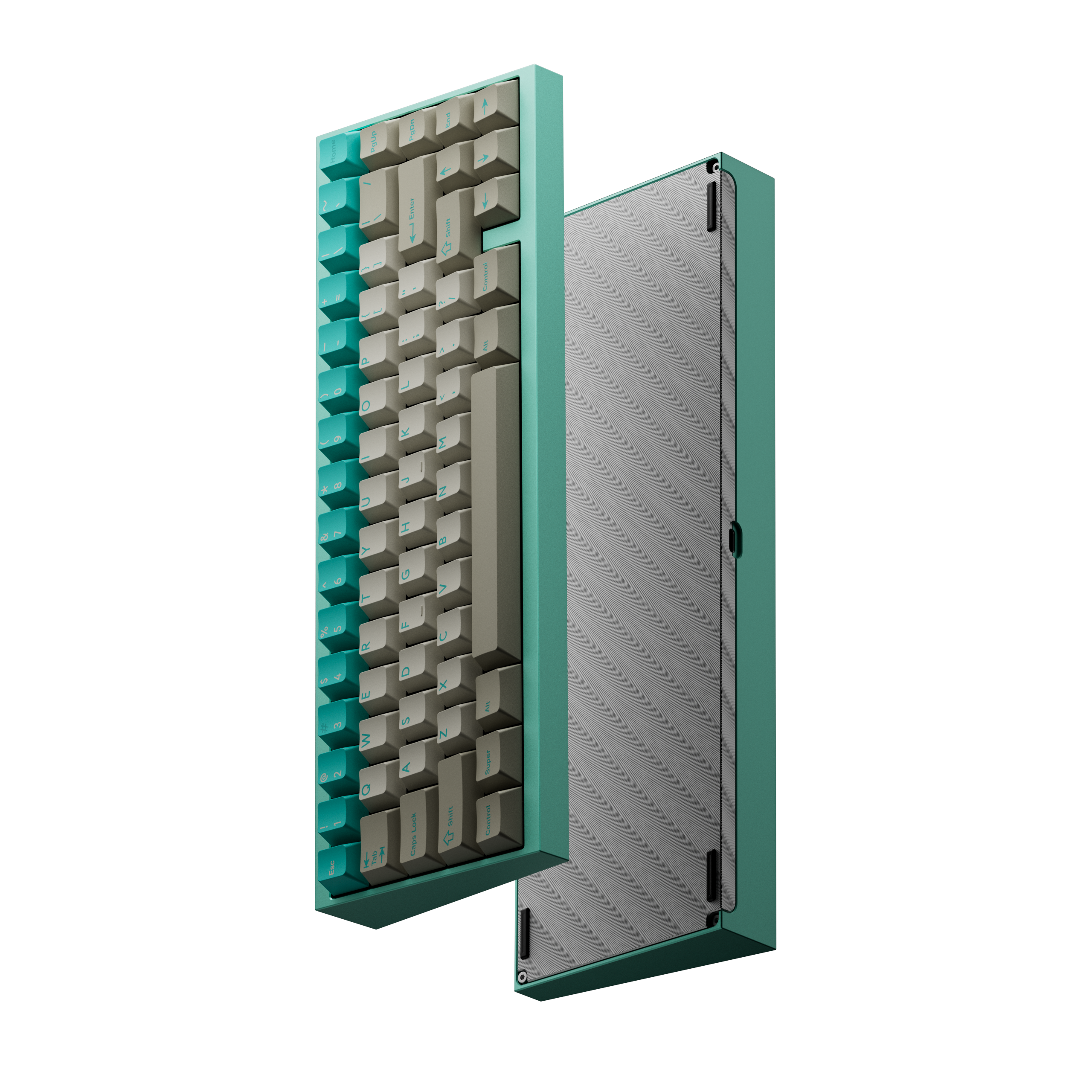
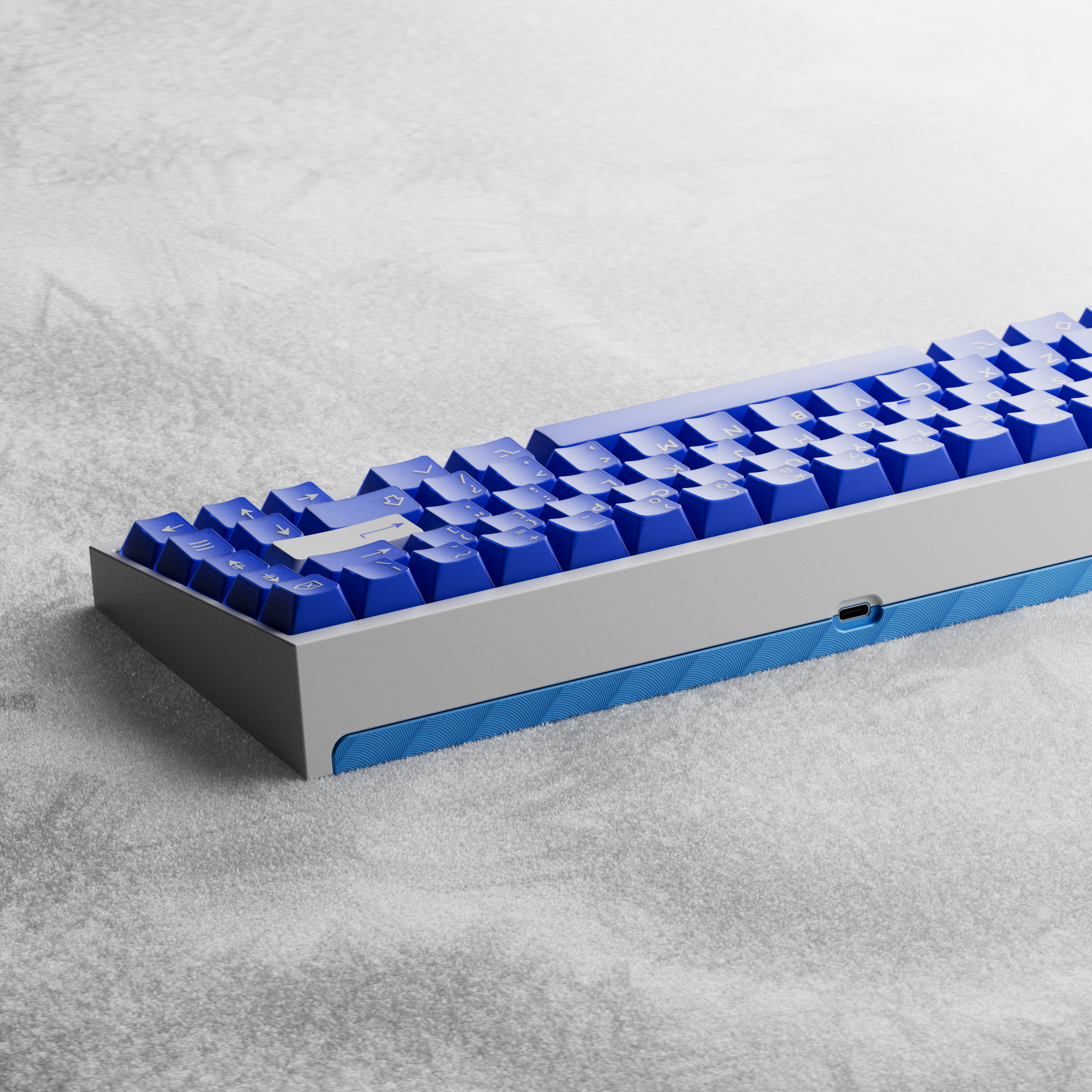
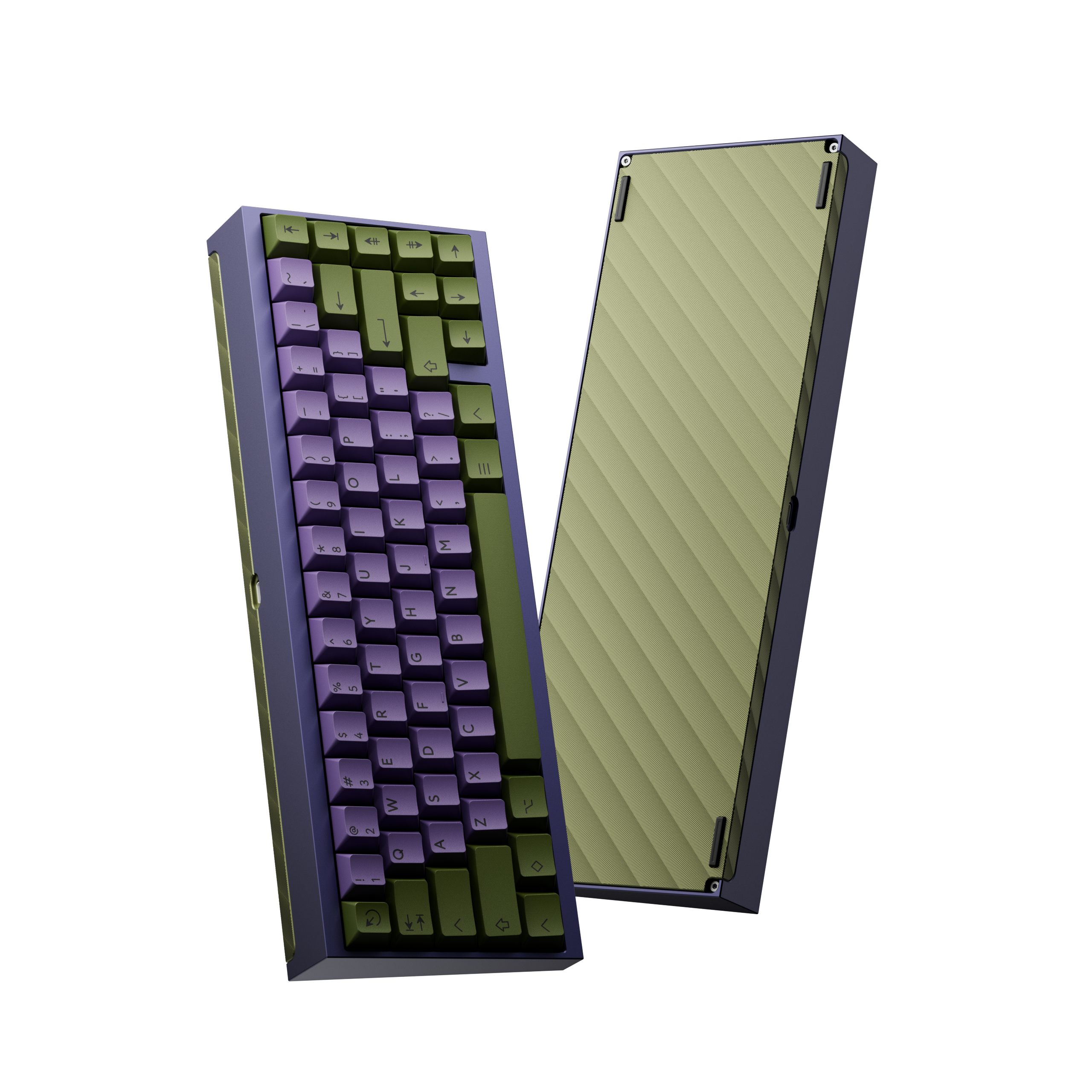
Sale price USD $73.00 Regular price
Top Case color Anodized Champagne
OR

Go to our live configurator at https://kbd.tools/. Once there, select "TOFU65 " from the "Select Keyboard Model" dropdown menu.
Explore all the configuration options and customize your keyboard to your personal preference. You can freely choose your:
As you make your selections, the configurator will provide a live preview of your color combination, along with the updated total weight and price.
Once you have finalized your design in the configurator, return to this product page. Select the exact same options from the dropdown menus here,
then add the item to your cart and complete your order.
Go to our live configurator at https://kbd.tools/. Once there, select "TOFU65 " from the "Select Keyboard Model" dropdown menu.
Explore all the configuration options and customize your keyboard to your personal preference. You can freely choose your:
As you make your selections, the configurator will provide a live preview of your color combination, along with the updated total weight and price.
Once you have finalized your design in the configurator, return to this product page. Select the exact same options from the dropdown menus here,
then add the item to your cart and complete your order.
Comment